
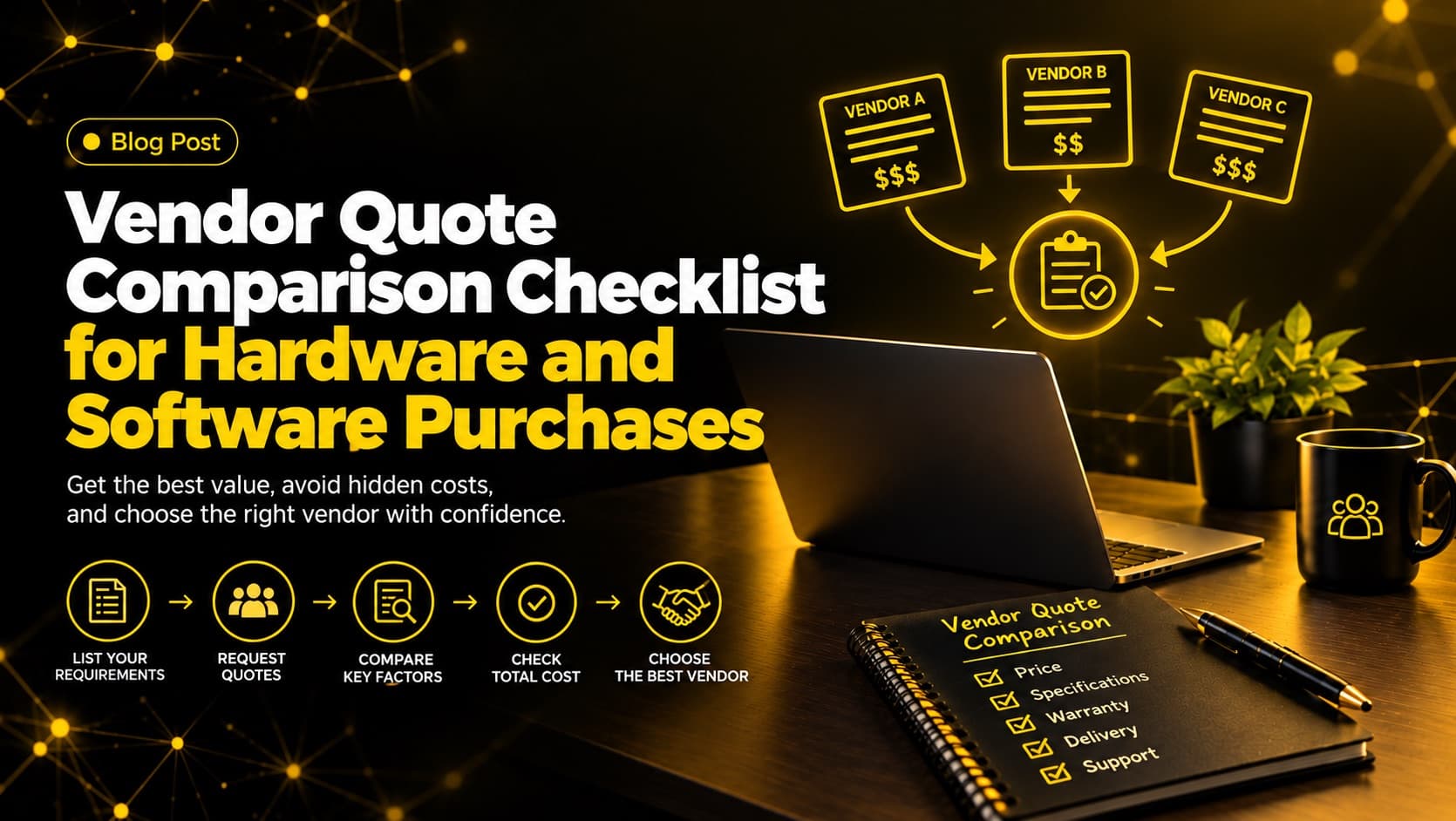
Two quotes for the same laptops can differ by double digits and still be the wrong comparison. One vendor includes a three-year warranty and setup. The other lists a lower unit price and quietly leaves out delivery, imaging and support. Software works the same way: a low first-year subscription can hide a steep renewal increase.
A vendor quote comparison checklist gives you a repeatable way to judge the full offer, not just the headline price. It is written for business owners, office managers, IT leads and finance teams who buy technology and want a clear, defensible decision.
By the end, you will know how to prepare a request for quotation (RFQ), what to check in hardware and software quotes, how to calculate total cost of ownership (TCO), how to score vendors fairly, and which red flags deserve a second look.
What Is a Vendor Quote Comparison Checklist?
A vendor quote comparison checklist is a standard set of questions you apply to every vendor quote, so you can compare scope, specifications, total cost, warranty, support and contract terms on equal footing. It helps you see past the headline price and choose the offer with the best value over the full life of the purchase.
How to Compare Vendor Quotes in 7 Steps
Define your requirements in writing
List quantities, specifications, users, integrations and deadlines, and separate must-haves from nice-to-haves.
Send the same RFQ to every vendor
Ask for itemized pricing, validity period, warranty, support and renewal terms.
Normalize the quotes
Rebuild each quote in one spreadsheet with the same line items so every option covers the same scope.
Run the hardware or software checklist
Check each quote against the specific hardware or software checklist below.
Calculate a 3-year total cost of ownership
Calculate the full three-year TCO for each option, including renewals, setup, and support.
Score each vendor on a weighted scorecard
Score each vendor on criteria and weights agreed before you saw any pricing.
Check references, then negotiate
Check customer references, negotiate the entire package with your top contenders, and get every change in writing.
Why Comparing Vendor Quotes Goes Wrong
Most bad technology purchases do not come from careless buyers. They come from quotes that cannot be compared directly. Each vendor formats pricing differently, bundles items differently and writes terms in different places. When you line up three quotes, you are often comparing three different products and three different levels of risk.
The most common problems are:
- Different scope. One quote includes installation, licenses and training. Another lists only the product.
- Different specifications. A "similar" laptop may have less memory, a slower storage drive or a shorter battery life.
- Hidden or missing costs. Shipping, taxes, activation fees, onboarding charges and add-on modules appear late or not at all.
- Unequal terms. Warranty length, support hours, payment terms and renewal conditions vary and are easy to overlook.
- Price-only decisions. The lowest quote wins because it is the easiest number to compare.
A checklist fixes this by forcing every quote through the same questions. It turns vendor comparison from a gut feeling into a documented process, which also helps when you need to justify the decision to a manager, partner or auditor. If vendor negotiation is on your list too, our technology procurement guide explains how better buying brings spending back under control, and our look at tech procurement challenges in 2026 covers why comparisons like this are getting harder.
Before You Request Quotes: Set Up a Fair Comparison
The quality of your comparison is decided before the first quote arrives. If vendors receive vague requirements, they will fill the gaps differently, and you will spend days trying to reconcile the results.
Define Your Requirements in Writing
Write down what you actually need. For hardware purchases, list the quantity, minimum specifications, operating system, peripherals, accessories and the date you need delivery. For software purchases, list the number of users, required features, integrations with existing systems, data you need to migrate and any security or compliance requirements.
Separate must-haves from nice-to-haves. This keeps vendors from selling you extras you did not ask for and gives you a clean way to evaluate trade-offs later.
Send the Same RFQ to Every Vendor
A request for quotation is a short document that tells each vendor exactly what you want priced. Sending the same RFQ to every vendor is the single best way to get comparable quotes. Ask each vendor to:
- Itemize unit prices, quantities, taxes, shipping and any one-time fees.
- State the quote validity period.
- Confirm warranty, support and service-level terms in writing.
- Declare payment terms and any discounts for volume or early payment.
- Provide renewal and price-increase terms for software subscriptions.
Three to five vendors is usually enough. Fewer than three gives you little leverage, and more than five creates comparison work without improving the outcome.
Decide Your Evaluation Criteria and Weights
Agree on how you will judge quotes before you see them. Otherwise it is easy to rationalize a favorite vendor after the fact. Our suggested starting point for many small and mid-sized businesses is price and total cost around 35%, product fit around 25%, support and service levels around 20%, vendor reliability around 10% and contract flexibility around 10%. Treat these as a starting point, not a standard. A business with no in-house IT team should weigh support more heavily than a business with its own technical staff.
Vendor Quote Comparison Checklist for Hardware Purchases
Hardware quotes look straightforward because they list physical items, but small differences in specification and service terms can change the value of the deal significantly. Use these checks for laptops, desktops, monitors, servers, networking gear and office equipment.
Specifications and Compatibility
- Does each quoted model match your required specifications, including processor, memory, storage, display and ports?
- Are model numbers and part numbers listed, so you can verify the exact product?
- Is the item new, refurbished or open-box? Refurbished can be sensible, but it must be stated clearly.
- Will the hardware work with your existing operating systems, docking stations, printers and management tools?
- Are required accessories (chargers, cables, mounts, carrying cases) included or priced separately?
Warranty, Support and Repairs
- How long is the manufacturer warranty, and does it cover parts, labor and on-site service?
- Is the warranty provided by the manufacturer or by the reseller? This affects who you call when something fails.
- What is the replacement process and typical turnaround for a failed device?
- Is accidental damage covered, or does it require an extended plan?
- Are extended warranty options priced, and for how many years?
Delivery, Setup and Installation
- What is the confirmed delivery date, and what happens if it slips?
- Are shipping, handling and insurance included?
- Does the quote include imaging, configuration, asset tagging or installation if you need them?
- Who is responsible for damaged or incorrect items on arrival?
Lifecycle, Scalability and Disposal
- Is the model near end-of-sale or end-of-support? Buying a product at the end of its lifecycle can leave you without parts or updates sooner than expected.
- Can you order identical units later if the team grows?
- Does the vendor offer secure data wiping or recycling for old equipment? Ask which standard they follow. The U.S. National Institute of Standards and Technology publishes NIST SP 800-88, Guidelines for Media Sanitization, a widely used reference for wiping or destroying storage media, and a reputable vendor should be able to explain how its process aligns with it.
Vendor Quote Comparison Checklist for Software Purchases
Software quotes are harder to compare than hardware quotes because the price depends on how the software is licensed, how long you commit and what happens after the first term. These checks apply whether you are buying business software as a subscription or a perpetual license.
Licensing Model and Pricing Structure
- Is pricing per user, per device, per feature tier or based on usage? Confirm which one applies to you.
- What exactly does each tier include, and are the features you need in a higher tier?
- Is the quote for monthly, annual or multi-year billing, and how does the discount change with each?
- Are there minimum user counts or volume thresholds?
- What does it cost to add users mid-term, and are they prorated?
Implementation, Integration and Training
- Are setup, data migration and configuration included or charged separately?
- Does the software integrate with your accounting, CRM, email or other core systems without paid connectors?
- Is user training included, and in what format?
- What is the realistic timeline from signature to a working system?
Support, Service Levels and Uptime
- What support channels and hours are included, and what is the response time for urgent issues?
- Is there a written service level agreement (SLA) with uptime commitments and remedies if they are missed?
- Is premium support an add-on, and how much does it add to the total?
Renewal, Price Increases and Exit Terms
This is the section buyers skip most often, and it is where software costs grow quietly.
- What is the renewal price, and is there a cap on annual increases?
- Does the contract auto-renew, and how much notice is needed to cancel?
- Can you reduce the number of licenses at renewal?
- Can you export your data in a usable format if you leave, and is there a fee?
Security, Data and Compliance
- Where is your data stored, and who can access it?
- Does the vendor meet the security or compliance standards your industry expects? For cloud and software vendors, ask whether they hold an independent SOC 2 report. SOC 2 is an AICPA framework in which an independent CPA firm examines a provider's controls over security, availability and related criteria, and a Type 2 report covers how those controls operated over a period of time.
- How are backups handled, and how quickly can data be restored?
Hidden Costs That Make a Cheap Quote Expensive
A lower quote is not always a lower cost. Total cost of ownership (TCO) is the full amount you will pay over the useful life of the purchase, not just the invoice total. Gartner describes it as a comprehensive assessment of IT costs over time, including acquisition, management and support, and the cost of downtime and training. When you compare vendor quotes, ask what is missing from each one.
Common hidden costs in hardware purchases include shipping and import charges, setup and imaging labor, extended warranty, spare units, peripherals and eventual disposal or data wiping.
Common hidden costs in software purchases include implementation and migration fees, integration connectors, extra storage or usage overages, premium support, training, add-on modules and steep renewal increases. Many of these are the kind of overhead we describe in our guide to hidden overhead costs to cut.
Worked Example: 3-Year TCO for 25 Laptops
To calculate a three-year cost for hardware, add the purchase price, delivery, setup, warranty extensions and an allowance for repairs. The numbers below are hypothetical and for illustration only. Replace them with your own quotes.
| Cost item (25 laptops) | Vendor A (lower quote) | Vendor B (higher quote) |
|---|---|---|
| Quoted hardware price | $25,000 ($1,000 each) | $27,500 ($1,100 each) |
| Delivery | $400 | Included |
| Imaging and asset tagging | $1,250 ($50 each) | Included |
| 3-year on-site warranty | $2,500 (extension, $100 each) | Included |
| Repair allowance (estimate) | $1,000 | $500 |
| 3-year TCO | $30,150 | $28,000 |
Swipe the table to see all columns
Vendor A looks $2,500 cheaper on the quote. Over three years it costs about $2,150 more.
Worked Example: 3-Year TCO for a 25-User Software Subscription
For software, add three years of subscription fees using the quoted renewal price, not the first-year discount, plus implementation, support and any required add-ons. Again, these figures are hypothetical.
| Cost item (25 users) | Vendor X (promotional pricing) | Vendor Y (flat pricing) |
|---|---|---|
| Year 1 | $3,600 ($12 per user per month) | $4,200 ($14 per user per month) |
| Year 2 | $4,500 (renews at $15) | $4,410 (5% capped increase) |
| Year 3 | $4,500 | $4,631 (5% capped increase) |
| Implementation | $1,500 | Included |
| 3-year TCO | $14,100 | $13,241 |
Swipe the table to see all columns
Vendor X wins the first-year comparison by $600 and loses the three-year comparison by $859. The vendor with the lowest first invoice is sometimes not the one with the lowest three-year cost.
How to Build a Vendor Quote Comparison Scorecard
A scorecard puts every quote into one view. A spreadsheet is enough. List vendors across the top and your criteria down the side, then score each criterion from 1 to 5 and multiply by the weight you set earlier. The example below continues the laptop scenario, with a third vendor added.
| Criterion | Weight | Vendor A | Vendor B | Vendor C |
|---|---|---|---|---|
| Total cost of ownership (3 years) | 35% | 2 | 4 | 3 |
| Product or specification fit | 25% | 4 | 4 | 3 |
| Warranty, support and SLA | 20% | 2 | 5 | 3 |
| Vendor reliability and references | 10% | 3 | 4 | 4 |
| Contract flexibility and renewal terms | 10% | 3 | 3 | 4 |
| Weighted total (out of 5) | 100% | 2.7 | 4.1 | 3.2 |
Swipe the table to see all columns
Keep a notes column for anything the score does not capture, such as a delivery risk or an unclear clause. Share the scorecard with the people affected by the purchase so the decision is transparent. If two vendors score within a few tenths of each other, the notes and the negotiation outcome should break the tie.
Get the Free Vendor Quote Comparison Template
Don’t want to build this from scratch? Download the vendor quote comparison template (spreadsheet with the weighted scorecard, a 3-year TCO calculator and an RFQ checklist).
If you would rather have a second set of eyes on your quotes, our technology procurement services team can review them with you.
Vendor Evaluation Beyond the Quote
A quote tells you what a vendor will charge. It does not tell you how the vendor behaves when something goes wrong. Before you decide, check:
- References. Ask for two or three customers of a similar size who bought similar products, and ask what happened after the sale.
- Responsiveness. How quickly and clearly did the vendor answer your RFQ questions? That is a preview of how they will handle support.
- Financial stability and track record. A heavily discounted offer from an unstable vendor can cost more if the vendor disappears mid-contract.
- Authorized status. For hardware, confirm the reseller is authorized to sell and support the brand. For software, confirm you are buying a legitimate license.
- Clarity of paperwork. Quotes that are precise, itemized and easy to read usually reflect a vendor that is precise after the sale too.
Red Flags to Watch for in Vendor Quotes
- A quote that is much lower than the others with no explanation. Ask what has been left out.
- Vague line items such as “miscellaneous services” or “implementation package” with no detail.
- Pressure to sign quickly because the price “expires today.”
- Reluctance to put warranty, support or SLA terms in writing.
- Auto-renewal clauses with long notice periods and no cap on increases.
- Pricing that changes between the verbal conversation and the written quote.
- No clear way to export your data or end the contract.
A single red flag is not always a dealbreaker, but each one is a reason to ask a question and get the answer documented.
From Comparison to Negotiation
Once your scorecard identifies the strongest one or two vendors, use the comparison as leverage. You can ask a preferred vendor to match a competitor’s warranty, include setup at no charge, cap renewal increases, extend quote validity, improve payment terms or add volume discounts. Vendors are usually more flexible on terms and bundled services than on the headline price, so negotiate the whole package.
Get every agreed change written into the final quote or contract. Verbal promises are hard to enforce later. For tactics and scripts, read our guide on how to negotiate with technology vendors.
Common Mistakes When Comparing Vendor Quotes
- Comparing unequal quotes. If scope or specifications differ, normalize them before comparing price.
- Ignoring renewal terms. A software discount that disappears in year two is not a real saving.
- Skipping the fine print. Cancellation, liability and data terms matter as much as price.
- Choosing on price alone. The cheapest option can carry the highest support and replacement costs.
- Leaving users out. The people who will use the hardware or software often spot practical problems that a price comparison misses.
- Not documenting the decision. A short record of why you chose a vendor helps with future purchases and renewals.
How The Black Skull Can Help
Comparing quotes properly takes time that many teams do not have, especially when the purchase involves several vendors, mixed hardware and software, and contract terms that need careful reading. The Black Skull supports businesses with technology procurement, including computers, laptops, monitors, software and office equipment, along with vendor negotiation and cost-conscious purchasing decisions.
If you would like help preparing an RFQ and scorecard, or a review of quotes you already have, explore our technology procurement services or book a consultation. If you are looking at broader savings, our operations cost reduction services cover the rest of the cost picture.
How to Use This Vendor Quote Comparison Checklist
A reliable vendor quote comparison starts with clear requirements, uses the same RFQ for every vendor, checks hardware and software terms line by line, calculates total cost of ownership and scores each option against criteria you set in advance. Do that consistently and you will avoid the most common purchasing mistakes: unequal comparisons, hidden costs and surprise renewals.
Save this checklist, adapt the weights to your business, and reuse it for every technology purchase. Each time you use it, your quotes will get more comparable and your decisions easier to defend.
Frequently Asked Questions
What should a vendor quote comparison checklist include?
A good vendor quote comparison checklist covers itemized pricing, product specifications, warranty and support terms, delivery and setup, licensing model, renewal and price-increase terms, contract and exit conditions, and vendor reliability. It should also include a total cost of ownership calculation so you compare the full cost, not only the invoice total.
How many vendor quotes should I get before buying hardware or software?
Three to five is a practical range for most business purchases. Three gives you enough contrast to spot unusual pricing or terms, while more than five usually adds comparison effort without improving the outcome. For small, low-risk purchases, two quotes may be enough.
How do I compare vendor quotes that are formatted differently?
Send every vendor the same RFQ and ask for itemized pricing. If quotes still arrive in different formats, rebuild them in one spreadsheet with the same line items, then add the missing costs for each vendor so every option covers the same scope.
What is the difference between price and total cost of ownership?
Price is what appears on the quote. Total cost of ownership includes the price plus everything else you will pay over the product's useful life, such as shipping, setup, support, warranty extensions, subscription renewals, add-ons and disposal. TCO is usually the better basis for comparing hardware and software purchases.
What hidden costs should I look for in software quotes?
Check for implementation and data migration fees, integration connectors, storage or usage overages, premium support, training, add-on modules and renewal increases. Ask the vendor to confirm in writing what the quoted price includes and excludes.
Should I always choose the lowest vendor quote?
Not necessarily. The lowest quote may exclude services you need, use lower-specification products or carry unfavorable renewal and support terms. Choose the quote that delivers the best fit and lowest total cost over the full term, and verify any quote that is far below the others.
Is there a vendor quote comparison template I can use?
Yes. Use the weighted scorecard and TCO tables in this guide as a starting layout, or download our free template. Keep the same line items for every vendor so the comparison stays fair.
Evaluating Vendor Quotes and Need a Second Look?
Send us the quotes, RFQs, or renewal contracts you are reviewing. Our technology procurement team will help you normalize the pricing, calculate the real 3-year TCO, and negotiate better terms before you sign.
Request a Quote Review