
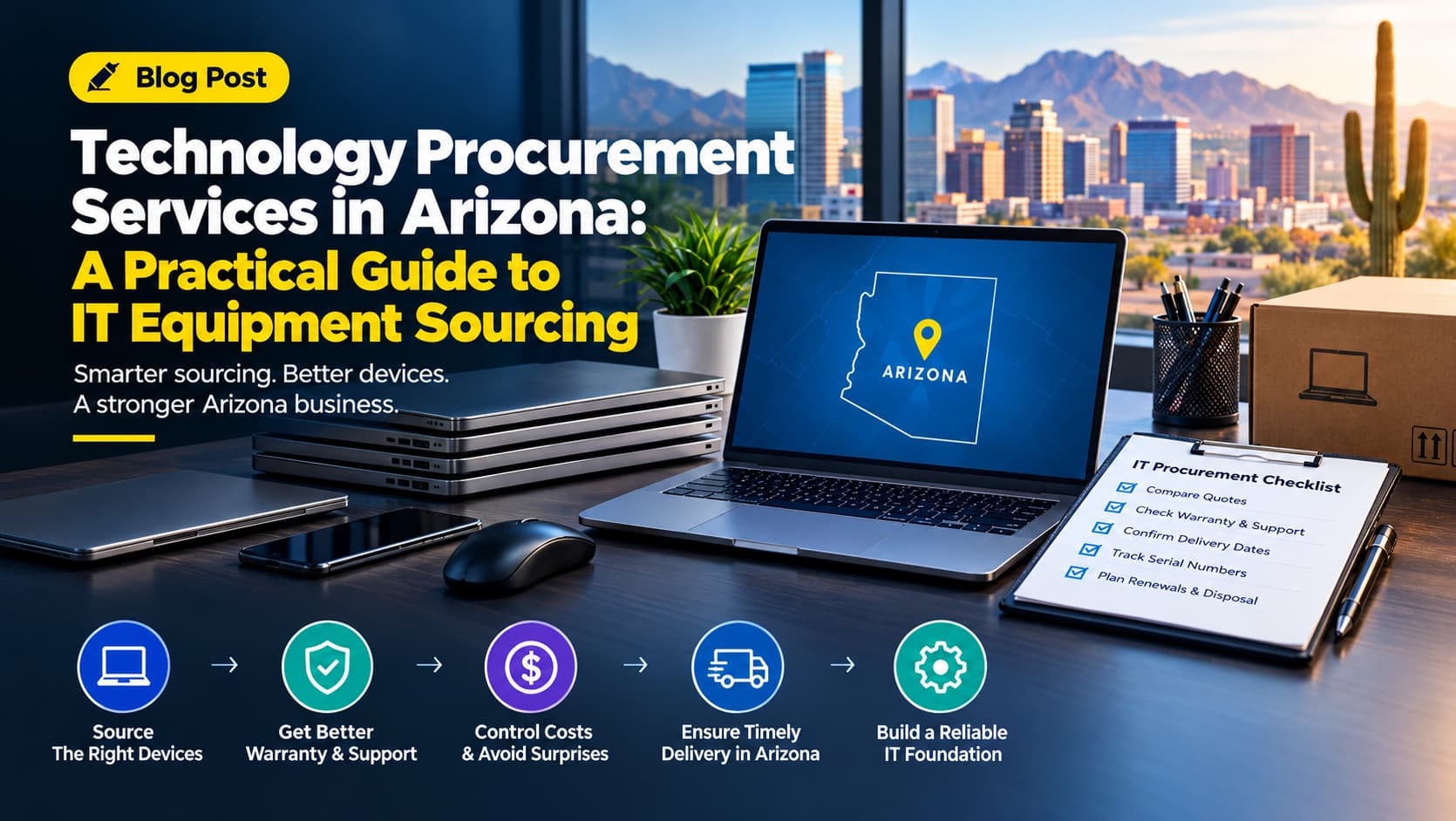
A laptop dies during a busy week. A new hire starts Monday with nothing to work on. A software renewal arrives at double last year's price. If you run an office in Phoenix, Tucson, Scottsdale, Tempe, Chandler or Mesa, you know the pattern: someone searches vendor sites at the last minute and buys whatever is in stock.
Technology procurement services in Arizona exist to end that scramble. This guide explains what they include, how IT equipment sourcing works from first requirement to final delivery, what makes buying technology in Arizona different, and how to decide between doing it yourself and bringing in a specialist.
The Short Answer: What Are Technology Procurement Services?
Technology procurement services help a business decide what technology it needs, find suppliers, compare and negotiate prices, place orders, and track delivery and renewals. IT equipment sourcing is the hardware side: finding and buying computers, laptops, monitors, networking gear, printers and peripherals at the right specification, price and lead time.
In short, procurement turns "we need ten laptops" into a documented decision with a known cost, a confirmed delivery date and a supplier who is accountable if something goes wrong.
If you would rather talk to someone now, see our technology procurement services or contact our team.
How The Black Skull Approaches Technology Procurement
The Black Skull handles procurement for businesses across computers, laptops, monitors, software and office equipment. Our approach is vendor-neutral: we compare suppliers on total cost, negotiate pricing and terms, and document every purchase so you can verify the result. Procurement also sits inside our wider operations cost reduction services, because technology is usually one of the first places hidden spend shows up. Learn more about us.
What Technology Procurement Services Include
Procurement is broader than placing an order. A complete service covers the full path from a business need to a working device or license on an employee's desk.
Requirements and Specification
Good sourcing starts with the job each device must do. An accounts clerk in spreadsheets needs a different laptop than a designer rendering video or a warehouse supervisor using a tablet on the floor. Procurement translates roles into specifications: processor class, memory, storage, screen size, battery life, warranty tier and operating system.
Supplier Identification and Vendor Evaluation
Next comes a shortlist of manufacturers, authorized resellers, distributors and local Arizona dealers, each assessed on price, stock availability, warranty handling, support response and track record with businesses your size.
Quote Comparison and Vendor Negotiation
Raw price rarely tells the whole story. Procurement compares total cost of ownership: delivery, setup, warranty, tax, and the cost of replacing a device sooner than planned. Negotiation then targets volume pricing, bundled warranties, payment terms and delivery commitments. For depth, read how to negotiate with technology vendors and use our vendor quote comparison checklist.
Ordering, Delivery and Receiving
This covers purchase orders, delivery scheduling, serial number recording, and checking that what arrived matches what was ordered.
License, Renewal and Asset Tracking
Software subscriptions and hardware warranties expire quietly. Procurement tracks renewal dates, license counts and device ownership so you do not pay for unused seats or lose warranty cover without noticing.
What IT Equipment Sourcing Covers
| Equipment category | Typical items | Key sourcing decisions |
|---|---|---|
| End-user devices | Laptops, desktops, tablets | Specification by role, warranty length, refresh cycle |
| Displays and peripherals | Monitors, docking stations, keyboards, headsets | Compatibility, ergonomics, bulk pricing |
| Networking | Routers, switches, wireless access points, firewalls | Capacity for headcount, security features, vendor support |
| Office equipment | Printers, scanners, multifunction devices | Running cost per page, service contracts |
| Servers and storage | On-site servers, backup devices | Reliability, power and cooling needs, growth room |
| Software and licenses | Operating systems, productivity suites, line-of-business tools | License type, seat count, renewal terms |
Swipe the table to see all columns
These items are connected. A laptop depends on its operating system license, the dock that connects it to monitors, the network that carries its traffic, and the warranty that covers it when it fails. Planning them as one purchase, rather than separate ad hoc buys, is where procurement saves money and time. For more on where the savings come from, see how technology procurement reduces business costs.
Why Buying IT Equipment in Arizona Is Different
Heat, Dust and Power Conditions
Phoenix-area summers regularly bring extreme heat, and the National Weather Service Phoenix office tracks heat and monsoon conditions that directly affect equipment. Servers and network gear in closets without cooling fail early, and devices left in vehicles or unconditioned warehouses can overheat. Desert dust clogs fans and vents, and monsoon storms bring surges and outages. When sourcing, plan for surge protection, uninterruptible power supplies (UPS), server room cooling, and rugged devices for field and warehouse staff.
Transaction Privilege Tax (TPT)
Arizona does not use a conventional sales tax. It uses a transaction privilege tax: a state rate of 5.6% plus county and city rates. For example, the City of Mesa lists a combined rate of 8.3% (state, Maricopa County and Mesa combined), and rates differ by city and change over time. Check current rates on the Arizona Department of Revenue TPT page, and ask suppliers to show tax as a separate line so quotes compare like with like. If you buy from an out-of-state seller who does not collect Arizona tax, use tax may apply, so confirm with your accountant.
Equipment Tax Deductions (Section 179)
The federal Section 179 deduction can let a business expense qualifying equipment and off-the-shelf software in the year it is placed in service. IRS guidance lists a 2026 maximum of $2,560,000, with the deduction phasing out once qualifying purchases exceed $4,090,000. Limits, eligibility and the treatment of leases differ, so confirm with your accountant before you buy. This is general information, not tax advice.
Arizona's Mix of Industries
Arizona businesses range from healthcare practices to builders to manufacturers tied to the state's growing semiconductor sector (see the Arizona Commerce Authority). One standard laptop order does not fit every case:
| Arizona industry | Typical technology priorities |
|---|---|
| Healthcare and medical practices | Encrypted devices, privacy screens, documented disposal (see compliance section below) |
| Construction and trades | Rugged tablets, rain and dust resistance, mobile connectivity |
| Logistics and warehousing | Handheld scanners, rugged laptops, heat-tolerant networking |
| Real estate and professional services | Lightweight laptops, secure client data handling, strong video-call equipment |
| Hospitality and retail | Point-of-sale hardware, reliable Wi-Fi, surge protection |
| Manufacturing and tech | Workstations, specialized software licenses, strict asset tracking |
Swipe the table to see all columns
Spread-Out Locations and Delivery Logistics
Phoenix is large, and many companies operate in several cities. A Scottsdale head office and a Tucson branch may be supplied from different warehouses with different lead times. Confirm delivery timing for each location instead of assuming one date applies to all.
How to Source IT Equipment for a Small Business in Arizona: 6 Steps
Audit What You Already Own
List every device with its age, condition, warranty status and assigned user. This shows what to replace now, what can last another year, and what sits unused. It is common to find forgotten devices and machines still under warranty that were slated for replacement.
A formal operations audit can extend the same review to your wider processes.
Define Needs by Role
Group staff by what they do, not by title. Two or three standard device profiles usually cover most of a team. Fewer models mean larger orders, simpler support and better pricing.
Set a Budget and Refresh Cycle
Decide how long devices stay in service. Many businesses plan laptops on a three-to-five-year cycle, adjusted for workload. A planned cycle spreads cost across years instead of creating one painful spike.
Request Quotes From Several Suppliers
Send each supplier the same written specification. Ask for itemized pricing, delivery time, warranty terms, tax and setup fees. Identical specifications are what make quotes comparable.
Compare Total Cost, Not Sticker Price
A cheaper device with a one-year warranty and slow replacement can cost more than a pricier one with on-site cover. Weigh price, warranty, support response, delivery date and supplier reputation together.
Negotiate, Order and Verify
Use volume, a clear timeline and competing quotes as leverage. After ordering, check each delivery against the purchase order, record serial numbers, and register warranties the day equipment arrives.
Bulk Laptop Purchases for Businesses in Phoenix and Across Arizona
Buying five or more laptops at once changes the process. Plan for:
- Lead times: Stocked configurations from distributors often ship quickly, while custom or high-demand builds can take several weeks. Lead times vary by brand and stock, so get a delivery date in writing for each location.
- Minimums and tiers: Many suppliers offer volume price breaks at set quantities. Ask where the next tier begins, because adding two units can sometimes lower the unit price on all of them.
- Imaging and setup: Ask whether devices can arrive pre-configured with your software, security settings and management enrollment, so employees can start on day one. Pair this with your onboarding checklist for new team members.
- Asset tagging: Have serial numbers and asset tags recorded before devices ship, not after.
- Staged delivery: If you hire in waves, split the order across dates to ease cash flow while holding the quoted price.
Buy, Lease or Subscribe: Choosing How to Pay
| Option | Best when | Watch out for |
|---|---|---|
| Buy outright | You want ownership, plan to use devices for their full life, and have cash available | Large upfront cost, responsibility for disposal |
| Lease | You prefer predictable monthly payments and regular upgrades | Total cost over the term, end-of-lease conditions |
| Subscription (device-as-a-service) | You want hardware and support bundled in one monthly fee | Long contracts, limited device choice |
Swipe the table to see all columns
There is no universal winner. A startup watching cash may favor leasing, while a stable firm that keeps laptops for four years often saves by buying. Ask each supplier for total cost across the same period before deciding.
How to Compare Vendors and Quotes
When two quotes look similar, these questions separate a reliable supplier from a risky one:
- Is the supplier an authorized reseller, so warranty claims go through the manufacturer?
- What happens if a device arrives faulty, and how fast is the replacement?
- Is stock confirmed, or is the price based on items that may take weeks to arrive?
- Are tax, delivery and setup shown as separate lines?
- How long is the quoted price valid?
- Can the supplier name other Arizona businesses of your size they have supplied?
Write the answers into one comparison sheet. Our vendor quote comparison checklist gives you a ready structure. A supplier unwilling to answer in writing has told you something useful.
Negotiation Points That Actually Move Price
You do not need to be aggressive. The levers that matter most:
- Volume. Ordering for the year rather than the month can unlock better unit pricing.
- Standardization. Fewer models mean more bargaining power, simpler support and fewer spare parts.
- Competing quotes. An itemized alternative keeps pricing honest.
- Warranty and service terms. Extended cover or next-business-day replacement is often cheaper to negotiate in than to add later.
- Payment and delivery terms. Staged deliveries or flexible payment dates can ease cash flow even when unit price stays flat.
For scripts and tactics, see how to negotiate with technology vendors.
IT Asset Lifecycle: From Purchase to Secure Disposal
Procurement does not end at delivery. The IT asset lifecycle runs through five stages: plan, buy, deploy, maintain, and retire. Most businesses handle the first four and neglect the last.
Retirement and disposal (ITAD)
IT asset disposition covers wiping data, reusing or recycling devices, and documenting it all. A drive that leaves your office with company or customer data still on it is a liability. NIST's Guidelines for Media Sanitization SP 800-88 Rev. 2 is the standard reference for how to clear, purge or destroy data on storage media. For equipment that can be reused or recycled, the EPA's page on electronics donation and recycling is a good starting point.
A simple disposal routine:
- Remove the device from your asset record only after data is sanitized.
- Use a documented wipe method, or physical destruction for drives that cannot be wiped.
- Keep a certificate or log for each device.
- Send reusable equipment to certified recyclers or donation programs.
Compliance Considerations: Healthcare and Sensitive Data
If you handle patient information, device purchasing is a compliance matter. The HIPAA Security Rule's device and media controls standard (45 CFR 164.310(d)) requires policies for the disposal and re-use of hardware and media that hold electronic protected health information. In buying terms, that means choosing devices that support encryption, keeping an accurate asset record, and documenting disposal. The HHS Security Rule guidance explains the requirements. Practices should also read our guide to medical practice back office support. For any business, the NIST small business cybersecurity resources are a practical baseline. This is general information, not legal advice; confirm obligations with a compliance professional.
Common IT Procurement Mistakes Arizona Businesses Make
- Buying only when something breaks. Emergency purchases pay full price and leave no time to compare. A refresh plan avoids most of them.
- Choosing on price alone. The lowest quote often omits warranty, setup or delivery, which appear on the invoice later.
- Ignoring the environment. Equipment bought without considering heat, dust and power quality may fail sooner than its warranty suggests.
- Not recording what was bought. Without an asset record you cannot plan replacements, claim warranties or know which licenses you pay for.
- Letting renewals slip. Auto-renewing at the previous rate without review quietly raises costs every year.
- Skipping disposal planning. Old drives stored in a closet are a data risk.
For broader context, read about tech procurement challenges businesses face in 2026, and see where other operating costs can be cut.
When a Technology Procurement Partner Makes Sense
Handling procurement in-house works for a small company with one office and occasional purchases. It gets harder when:
- You buy equipment or software several times a year
- No one has time to compare quotes properly
- You manage more than one Arizona location
- Prices have crept up and you cannot tell whether they are fair
- Renewals and warranties are tracked in someone's inbox
A partner brings supplier relationships, current market pricing and a repeatable process. When evaluating one, look for transparent pricing with no hidden mark-ups, vendor-neutral advice, written quotes you can verify independently, and a clear process for delivery problems and returns. Ask how they report savings so you can see the value in plain numbers. New tools are also changing this work; see AI in procurement. If procurement is one of several back-office tasks stretching your team, our back office support services can take more of that load.
How Much Do IT Procurement Services Cost?
There is no single market price, and published benchmarks for small-business hardware procurement are scarce, so treat anyone quoting a universal figure with caution. What you can compare is the pricing model:
| Pricing model | How it works | Ask about |
|---|---|---|
| Flat project fee | A fixed fee for a defined purchase or refresh | What is in and out of scope |
| Percentage of spend | A percentage of the purchases managed | Whether the rate drops as volume rises |
| Monthly retainer | Ongoing support for regular buying, renewals and tracking | Minimum term and exit terms |
| Supplier margin | The provider earns from the markup between vendor and your price | Whether the markup is disclosed |
| Bundled | Procurement included in a wider operations or back-office arrangement | What the bundle excludes |
Swipe the table to see all columns
A worked example: comparing two laptop quotes
The engagement below is a useful worked example. A 20-person office needs 20 laptops. Quote A is $21,000 with one-year warranties. Quote B is $22,800 with three-year on-site cover. Quote A looks $1,800 cheaper, but if even three laptops need a repair after year one and each repair costs $400 plus a week of lost work, much of the gap disappears. A fee of 5% on $22,800 would be $1,140 under a percentage model, which is worth paying only if the provider's savings or avoided mistakes exceed it. Ask any provider to show how they expect to save more than they charge.
IT Equipment Procurement Checklist
- Current devices listed with age, warranty and user
- Staff grouped into two or three device profiles
- Budget and refresh cycle agreed
- Written specification sent to at least three suppliers
- Quotes compared on total cost, with tax shown separately
- Warranty, support and return terms confirmed in writing
- Delivery dates confirmed for each Arizona location
- Serial numbers recorded and warranties registered on arrival
- Renewal dates for software and support added to a calendar
- Disposal and data-wiping plan set for retiring devices
Case Study: Phoenix, Arizona – IT Equipment Procurement for a 20-Person Office
A Phoenix-based professional services company needed 20 laptops for its growing team. Initially, management considered a $21,000 quote offering one-year warranties. However, a procurement review identified another supplier offering three-year on-site warranty coverage for $22,800.
By evaluating repair costs, downtime, warranty protection and delivery requirements across its Arizona office, the company selected the second option. The decision provided better long-term cost predictability and reduced potential operational disruptions. The procurement team also documented serial numbers, registered warranties and scheduled future replacements to maintain equipment reliability.
Conclusion: Plan Your Technology Purchases Before You Need Them
Technology procurement services in Arizona replace last-minute buying with a repeatable process: know what you own, define what you need, compare suppliers on total cost, negotiate, verify delivery, track renewals, and retire equipment safely. Arizona's heat, dust, tax structure and spread-out locations make that discipline more valuable, not less.
If you want help sourcing IT equipment, comparing vendor quotes or planning a device refresh, contact The Black Skull or send an inquiry. We will review your current setup and show you where procurement can save time and money. You can also browse more guides on the Black Skull blog.
Frequently Asked Questions
What are technology procurement services?
They cover the planning, sourcing, comparison, purchase and tracking of IT hardware, software and related equipment, so businesses buy the right technology at a fair price, on time, with clear warranty and support terms.
How do I source IT equipment for a small business in Arizona?
List your current devices and define what each role needs. Send the same written specification to several authorized suppliers, compare total cost including tax, warranty and delivery, then negotiate and record every purchase.
Is it better to buy or lease IT equipment?
It depends on cash flow and how long you keep devices. Buying often costs less over a full lifespan; leasing spreads payments and simplifies upgrades. Compare total cost over the same period.
How far ahead should I order laptops for new employees?
Lead times vary by brand, configuration and stock. Order well before the start date, confirm the delivery date in writing for your specific location, and allow extra time for setup and configuration.
How does Arizona transaction privilege tax affect IT purchases?
Arizona's TPT combines state, county and city rates, so the amount depends on where the transaction is taxed. Ask suppliers to itemize tax, check current rates with the Arizona Department of Revenue, and confirm treatment and deductions with your accountant.
How many quotes should I get before buying?
Three is a practical minimum for significant purchases, each based on the identical specification.
How do I buy laptops in bulk for my business in Phoenix?
Standardize on one or two models, request tiered pricing, confirm lead times in writing, ask for pre-configuration and asset tagging, and consider staged deliveries if you hire in waves.
What should I do with old computers and hard drives?
Sanitize data using a documented method such as the NIST SP 800-88 guidelines, keep a record for each device, and send reusable equipment to certified recyclers or donation programs.
How much do IT procurement services cost?
Pricing models vary: flat project fees, percentage of spend, retainers, supplier margin or bundled arrangements. Ask for the structure in writing and compare it against the savings you can realistically expect.
How do I know if a procurement partner is trustworthy?
Look for transparent fees, vendor-neutral recommendations, written itemized quotes, authorized reseller relationships and a clear process for faulty deliveries and returns.
Buying Technology in Arizona?
We compare suppliers on total cost, negotiate pricing and terms, and document every purchase so you can verify the result.
Contact Us Today